Converting Clips During Video Repurposing
Learn how to convert repurposed video clips, check compatibility, protect sensitive footage, preserve originals, and validate outputs before publishing.
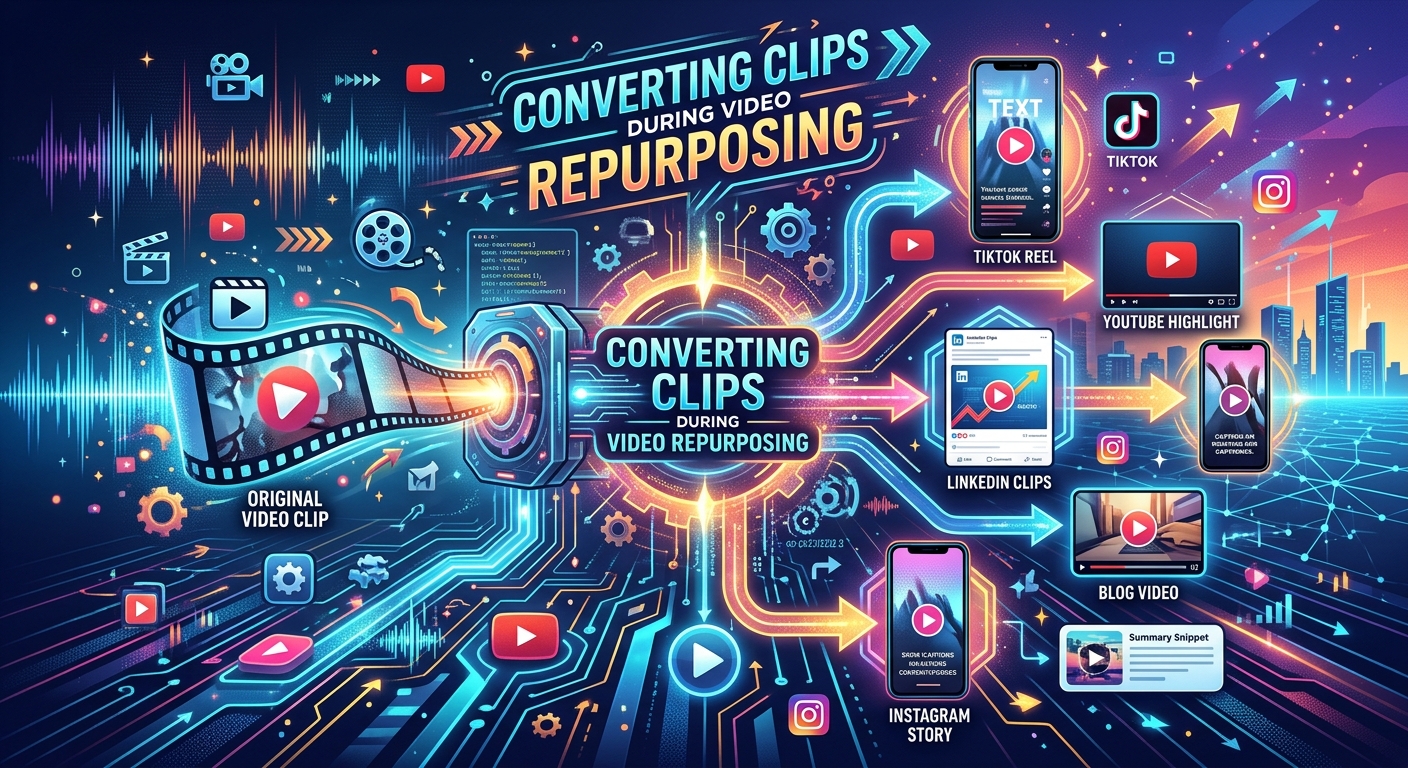
The clip looks perfect in the editing timeline. Then it reaches the publishing queue, and something breaks. The preview has no audio. The vertical version crops out the speaker. The file uploads successfully, but its first frame appears sideways. For publishers working across news, sports, and entertainment, these failures turn a promising moment into another deadline problem.
Converting clips during video repurposing means preparing an editorial asset for its next destination. That includes its container, codecs, dimensions, audio, captions, and playback behavior. A reliable workflow protects the original footage, creates an appropriate delivery copy, and checks what audiences will actually receive. Browser-based conversion can fit into that process, provided the team understands the file requirements and the privacy conditions before uploading.
A converted clip is ready only after its output has been checked.
- Match the delivery file to its publishing destination, including codec, dimensions, audio, and captions.
- Keep the original asset and approve the upload environment before using an external service.
- Watch the converted result and test it in the actual player or publishing workflow.
Start With the Publishing Destination
Before converting anything, establish where the clip will appear. An article embed, a vertical preview, and an OTT promotion can all come from the same interview. They may still need different delivery files. Treating them as interchangeable creates extra work later.
Write down the destination's accepted formats and editorial requirements. Capture the expected aspect ratio, resolution, file-size limit, duration, and caption handling. Check whether the publishing system processes uploaded files into its own delivery versions. That detail helps determine whether you need a high-quality input file or a tightly constrained final rendition.
Separate technical acceptance from editorial suitability. A landscape clip might upload to a vertical placement without an error. That does not mean the viewer can read its graphics or see the person speaking. Conversion prepares the file for playback. Reframing and editing prepare its content for the viewing experience.
Understand What Changes During Conversion
A filename extension tells only part of the story. MP4 is a container. It can hold video, audio, and other tracks. The codecs inside it determine how those media streams are encoded. Two files ending in .mp4 can therefore behave differently in the same publishing workflow.
Changing a container does not always require re-encoding the video. When the destination accepts the existing streams, a compatible tool may be able to repackage them. That can avoid another lossy encoding pass. Changing the codec, resizing the picture, or altering compression generally requires encoding a new video stream.
Renaming a file extension does neither job. A file renamed from another format to .mp4 still contains its original structure. Use a conversion process that creates the required output, then inspect the result. Never treat the filename as proof of compatibility.
Keep Conversion Separate From Creative Decisions
A converter cannot decide whether a sports highlight needs two seconds of context before the goal. It cannot know whether a news interview crop removes a relevant document from view. Make those editorial decisions before preparing the delivery copy.
The same applies to captions, lower thirds, and promotional graphics. Decide which elements belong in every version and which need destination-specific treatment. A burned-in caption becomes part of the picture. A separate caption file remains an additional asset that must travel through the publishing process.
Place Browser Conversion at a Clear Handoff
A free browser-based service fits naturally when an editor has an approved clip that needs a compatible delivery copy. For an occasional file, opening a browser can be more convenient than arranging a separate desktop workflow. The best handoff is after editorial approval and before the final publishing check.
For public or otherwise approved footage, MP4 file conversion can serve that focused preparation step. Start with a representative clip and confirm that the available output meets the destination's requirements. Evaluate the actual result before making the service part of a recurring production process.
Keep the scope clear. A browser conversion step prepares an asset; it does not replace an editorial review, a rights decision, or a complete media management system. Teams handling frequent batches should assess whether manual uploads create delays or make it harder to track versions.
For a publisher using AI to identify promising moments, this distinction is useful. Moment selection answers which passage deserves attention. Conversion answers how an approved excerpt should reach a particular playback environment. Assigning ownership to both steps helps prevent technically unfinished clips from entering the distribution queue.
Check Privacy Before Uploading Footage
Browser-based describes how someone accesses a service. It does not establish where processing happens or whether files leave the device. Verify those details through the service's current documentation and your organization's vendor approval process.
Review upload handling, retention, deletion, access controls, and any stated use of submitted content. If those terms do not answer the questions your newsroom or security team needs resolved, keep restricted material in an approved environment.
Embargoed interviews, unreleased entertainment footage, confidential sources, and licensed sports material deserve particular care. The right to publish an excerpt does not automatically establish permission to transfer the underlying file to another provider. Check the applicable agreement and internal policy.
Use an already public test clip when assessing a new workflow. That lets editors examine picture quality and compatibility without submitting sensitive material during an initial trial. Approval should cover the intended content category, not merely the fact that a test file converted successfully.
Preserve the Original Before Creating Delivery Copies
Keep the original asset unchanged. Save converted files as derivatives with names that identify their source, destination, and version. An editor should be able to trace a published excerpt back to the approved source without opening several nearly identical files.
Preserve the edit project and any separate captions, transcripts, rights notes, or graphics that the team may need later. A delivery file is useful for distribution, but it may not contain everything required for a correction or a new version.
Avoid repeatedly converting the latest compressed copy. Each lossy encoding pass can introduce additional degradation. When practical, generate new delivery versions from the approved high-quality master. This matters most when footage contains fast movement, small text, textured backgrounds, or subtle gradients.
Preservation also supports editorial accountability. If a name changes, a score graphic needs correction, or a quote requires more context, the team needs a reliable route back to the approved material. Clear source relationships make that repair easier.
Choose Settings Around the Actual Content
Resolution alone does not define picture quality. Compression settings, source quality, motion, and the number of previous encoding passes all affect the result. A larger frame cannot restore detail that the source never contained.
Judge settings against representative footage. A seated interview with a plain background presents different compression challenges from a moving camera following a football match. Inspect faces, grass, crowd detail, scoreboards, and transitions. These areas often reveal problems that a static preview image misses.
Preserve the source frame rate unless a destination requires a change or the production workflow has a defined reason for one. Unnecessary changes can affect motion. Check synchronization after any conversion that changes timing or stream settings.
Estimate file size when transfer limits matter. As a planning example, a 30-second clip with a total average bitrate of 4 megabits per second contains roughly 15 megabytes of media data before container overhead. That calculation helps with upload planning. It does not prove that the picture will meet your quality threshold.
Validate the File and Watch the Result
Technical validation and visual review answer different questions. Technical checks confirm the container, codecs, dimensions, duration, frame rate, audio tracks, and file size. Viewing confirms whether the clip still communicates what the editor intended.
Watch a short excerpt from beginning to end. Check the opening frame, the final cut, speech synchronization, caption timing, and any graphics near the edges. Listen for missing channels, unexpected silence, distortion, or an abrupt ending.
Review the clip at its intended display size. Text that looks readable on an editing monitor may be difficult to read inside a small article player. A vertical crop can preserve the speaker's face while cutting off the name strap. Check both the image and the information it carries.
Then upload the file to a staging placement or controlled publishing test. Confirm playback in the real player and on representative audience devices. A successful local preview does not establish that every stage of the distribution workflow will handle the file correctly.
Measure Conversion as Part of Publishing Performance
For heads of video and technical leads, the useful operational measures are concrete. Track conversion failures, rejected uploads, time spent repairing files, and the interval between editorial approval and publication. These measures show whether the preparation step is helping the team distribute more reliably.
Keep audience metrics connected to the right causes. Click-through rate reflects the preview and placement as well as the content. Completion rate can reflect duration, relevance, playback quality, and viewing context. A conversion change should not receive credit for an engagement improvement without evidence that separates those factors.
For example, if a new output profile reduces upload rejection, record that improvement directly. If viewers stop reporting missing audio, investigate whether the conversion settings resolved a track-handling problem. Specific observations lead to better decisions than a broad claim that smaller files perform better.
Give Every Repurposed Moment a Reliable Finish
A strong excerpt deserves a dependable delivery process. Define its destination, approve the processing environment, preserve the source, and create a suitable output. Then inspect the file and test its playback where audiences will see it.
For publishers turning long recordings into many short assets, consistency makes this work manageable. A free browser-based converter can fill a useful gap for approved clips. Its value becomes clear when the team can publish the resulting file with confidence, trace it to its source, and repeat the process without avoidable repairs.